
AI Architectural Rendering
AI architectural rendering, free to try in your browser
Send a view straight from Revit, Archicad, Rhino, SketchUp, Blender or 3ds Max. Generate photoreal stills across multiple state-of-the-art AI models with your walls, proportions, and camera locked to the source—then turn them into cinematic walkthroughs, without switching tools.
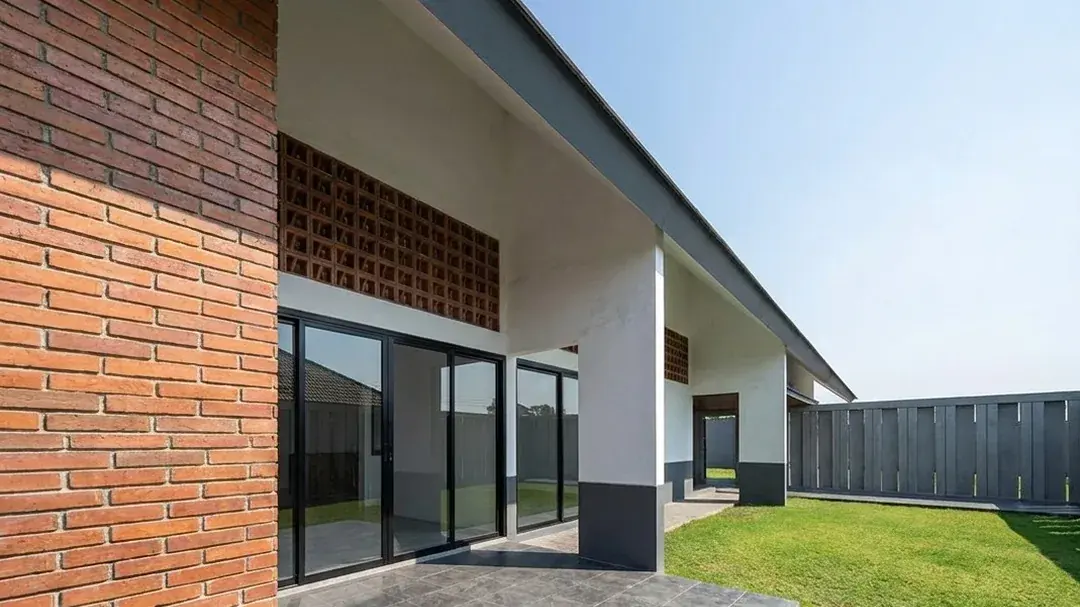
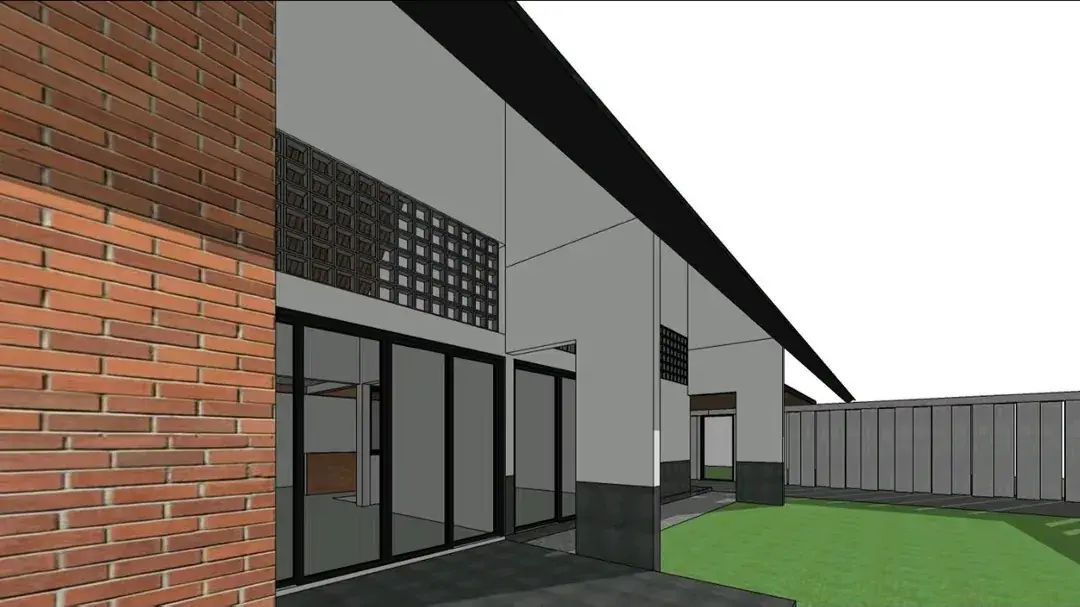
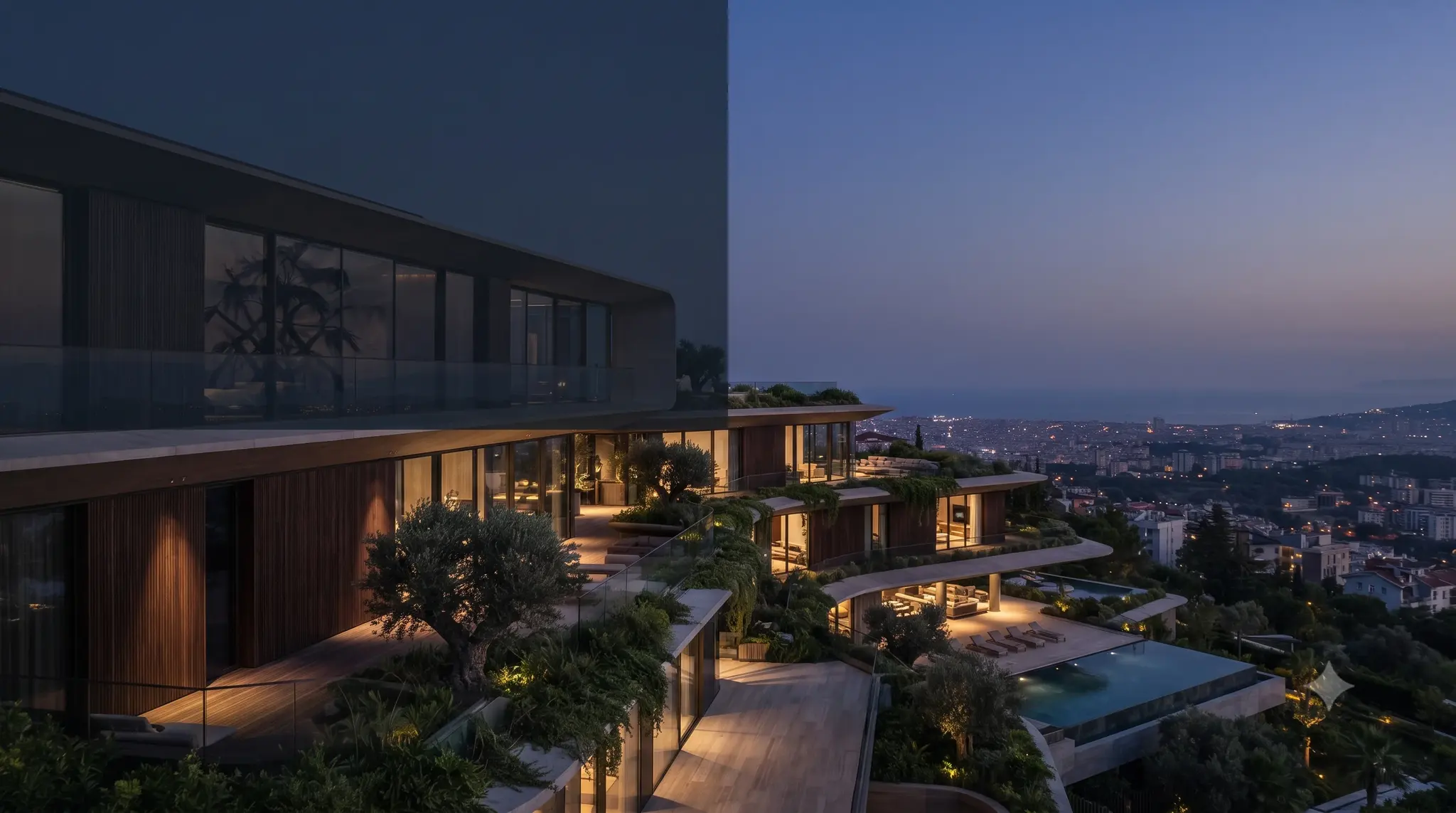
Drag to compare before & after
Works inside the tools you model in
 Revit
Revit Archicad
 Rhino & Grasshopper
 SketchUp
 Blender
 3ds Max
Turn any model into a photoreal render
Turn a sketch, CAD export, or concept into a photoreal still.
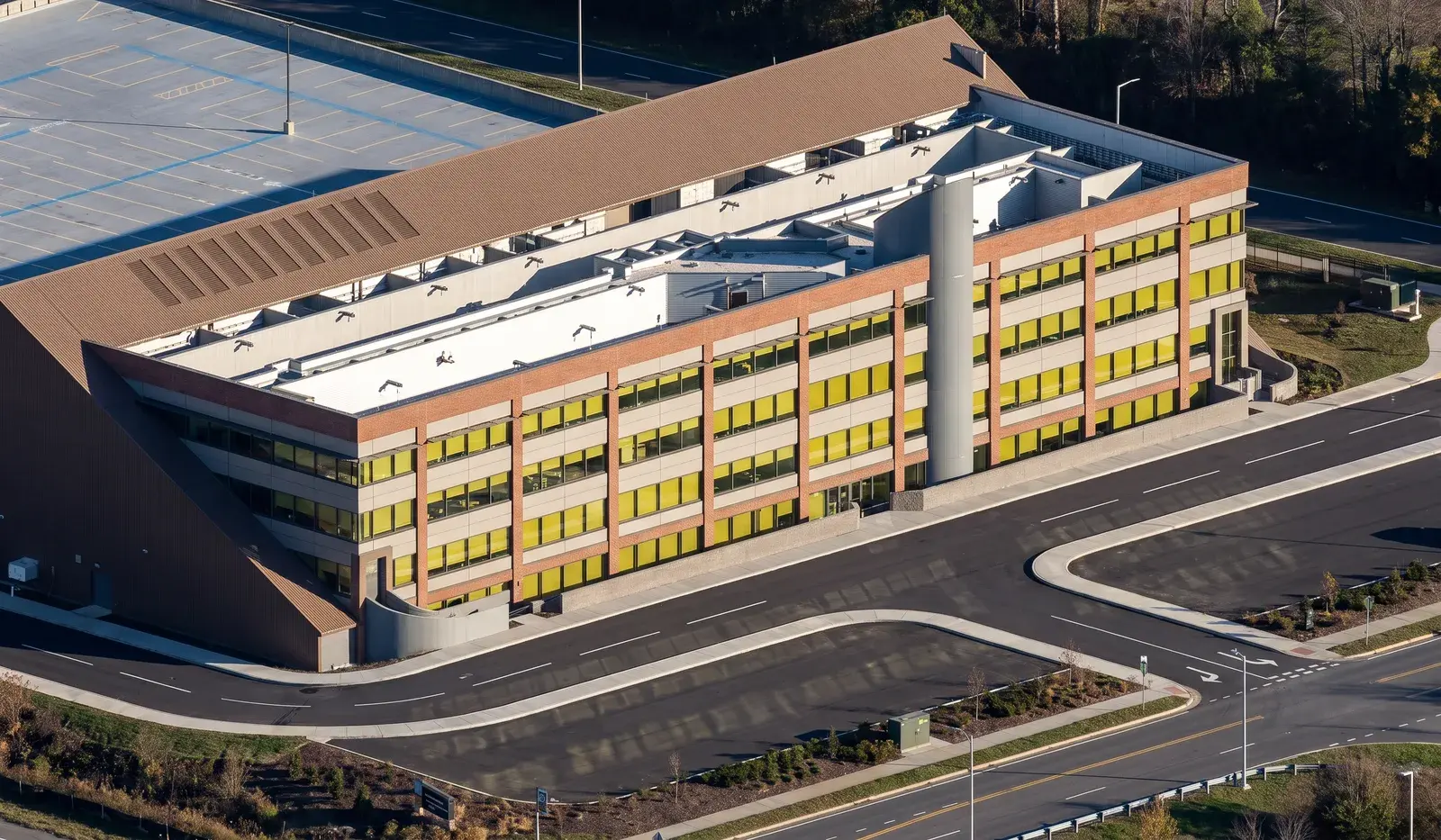
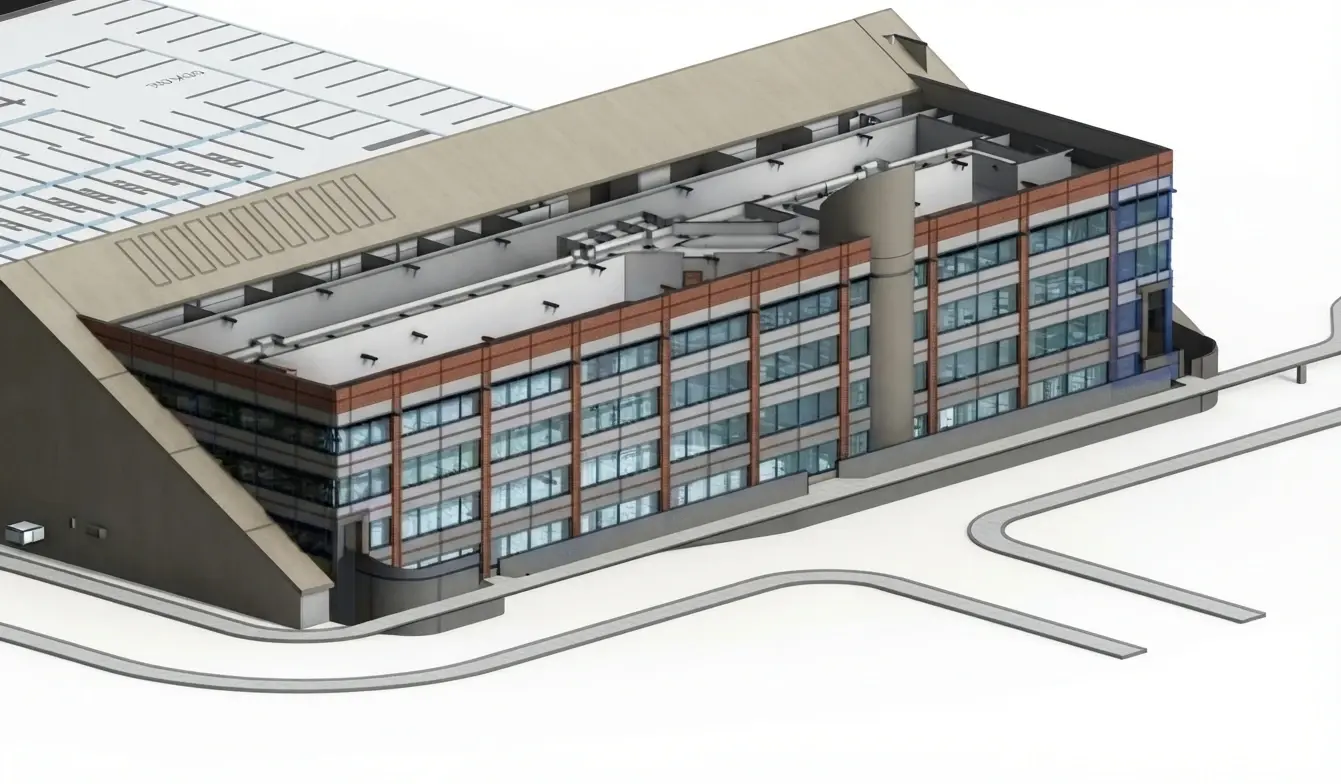
Drag to compare before & after
From $0.36 per image · 6 credits
The models behind every render
- Black Forest Labs
- Kling
- Tripo AI
- Hyper3D
- Microsoft Research
- Topaz Labs


Works inside Revit, Archicad, Rhino & Grasshopper, SketchUp, Blender and 3ds Max
Send the view you are already looking at straight into a VotexArch workspace tab -- no manual screenshot-and-upload round trip.




AI can make mistakes. A professional still signs the drawing.
VotexArch processes and generates designs, drawings, renders, and 3D models with AI, and AI output can be inaccurate, incomplete, or structurally unsound — often while looking entirely convincing. Every output must be checked, verified, and supervised by a licensed architect or engineer before it is used for construction, permitting, or client delivery.
Nothing here is a measured drawing, a construction document, or a stamped approval. Treat it as what it is — a fast way to explore and present design intent, with your professional judgment on top of it.
Read the full disclaimer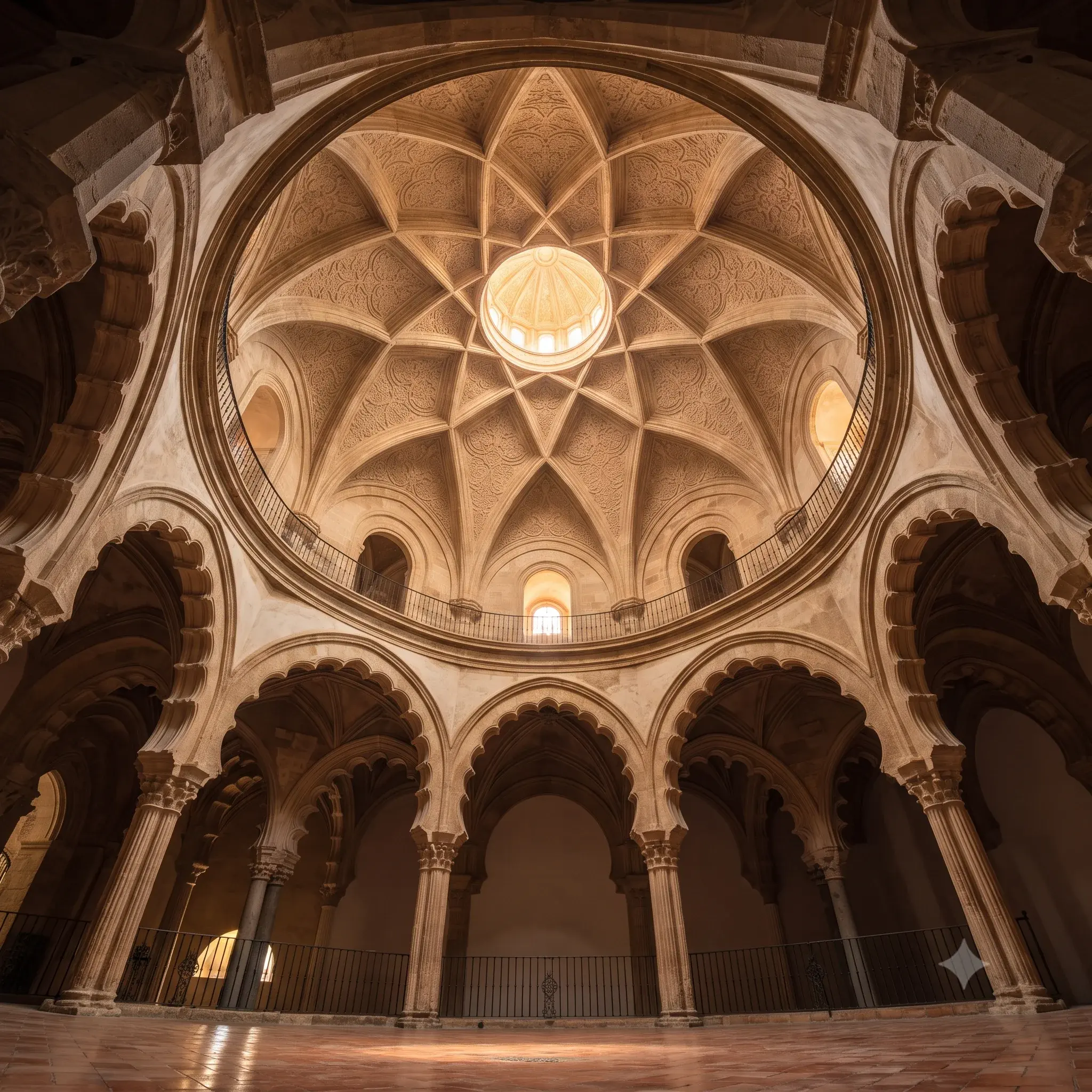
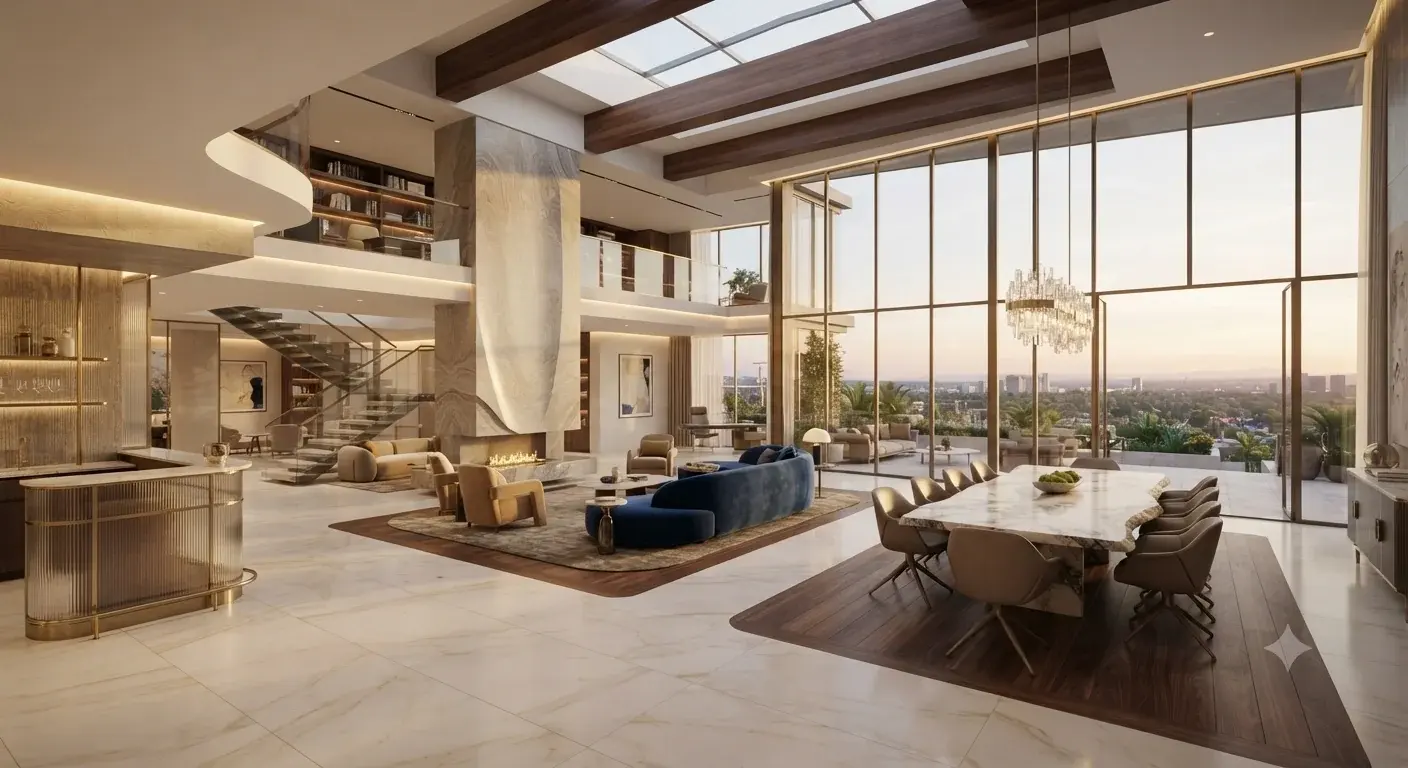
Volume and light
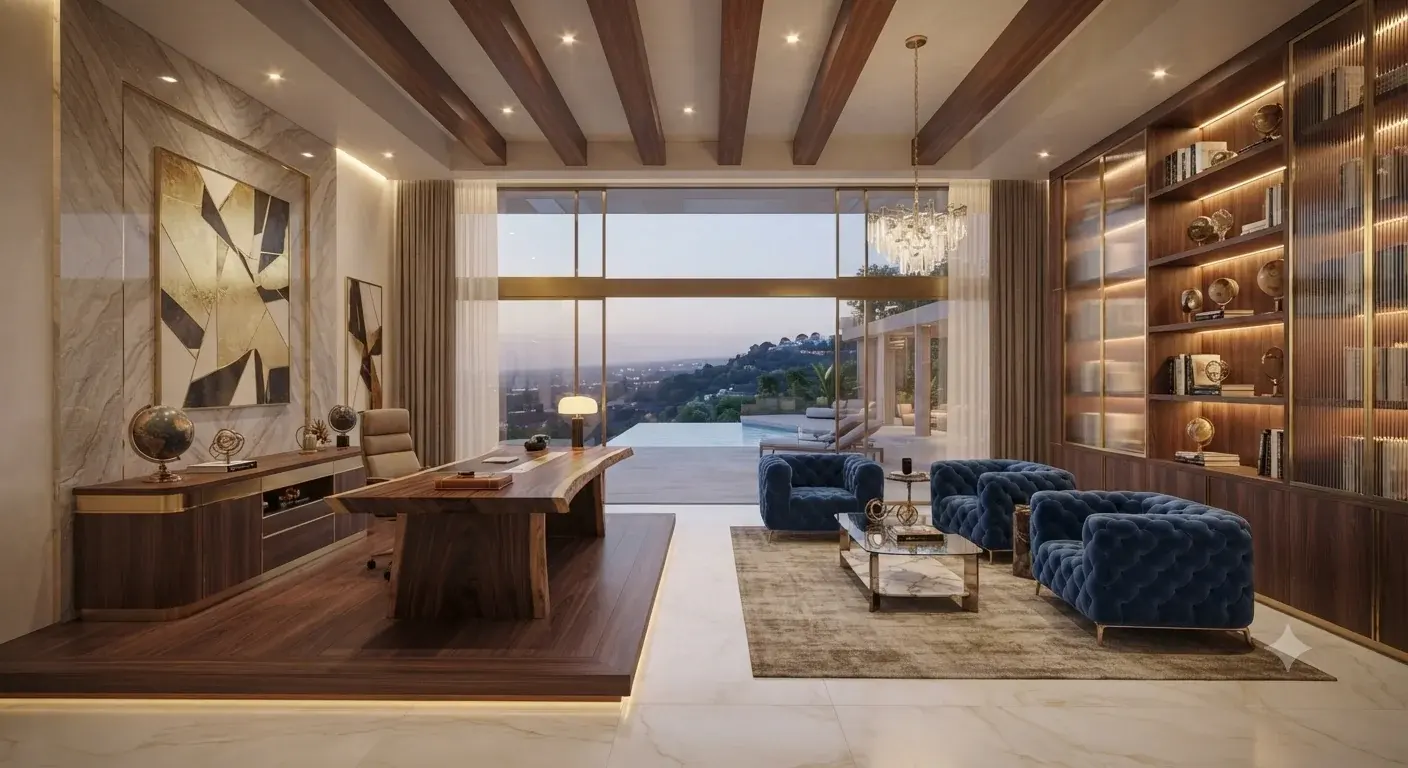
Warm materiality
Seamless indoor-outdoor
Photoreal finish
One plan, every model
Pick a plan that fits your workload. Your allowance resets each month and works across every model — renders, conversions, and walkthroughs. Unused plan credits don’t carry over, but top-ups you buy stay in your account while your plan is active. Cancel anytime.
Free
25 credits, one-time
Does not renew
- Covers any one of
- photoreal renders2–10 credits each2–12
- 3d models10–30 credits each0–2
- walkthrough video7–17 credits / sec1–3 sec
- code-compliance reviews15–25 credits each1
Sign up and try the workspace on us. A one-time grant, not a monthly allowance — it does not renew.
Start freeStarter
- Covers any one of
- photoreal renders2–10 credits each15–75
- 3d models10–30 credits each5–15
- walkthrough video7–17 credits / sec8–21 sec
- code-compliance reviews15–25 credits each6–10
Ideal for quick drafts, light image renders, and exploring the workspace.
Start StarterCreator
- Covers any one of
- photoreal renders2–10 credits each60–300
- 3d models10–30 credits each20–60
- walkthrough video7–17 credits / sec35–85 sec
- code-compliance reviews15–25 credits each24–40
For designers running regular renders, 2D-to-3D conversions, and walkthrough clips on the lighter video models.
Start CreatorStudio
- Covers any one of
- photoreal renders2–10 credits each180–900
- 3d models10–30 credits each60–180
- walkthrough video7–17 credits / sec105–257 sec
- code-compliance reviews15–25 credits each72–120
For heavy creative workloads, bulk upscaling, and cinematic clips on the premium video models.
Start StudioEnterprise
- Covers any one of
- photoreal renders2–10 credits each500–2,500
- 3d models10–30 credits each166–500
- walkthrough video7–17 credits / sec294–714 sec
- code-compliance reviews15–25 credits each200–333
For high-traffic agency pipelines running heavy, deadline-driven workloads.
Start EnterpriseNeed a few more credits?
One-time top-ups for active subscribers — added instantly, no change to your plan.
- Covers any one of
- photoreal renders2–10 credits each10–50
- 3d models10–30 credits each3–10
- walkthrough video7–17 credits / sec5–14 sec
- code-compliance reviews15–25 credits each4–6
A small top-up to finish off a project mid-cycle.
Buy 100 credits- Covers any one of
- photoreal renders2–10 credits each50–250
- 3d models10–30 credits each16–50
- walkthrough video7–17 credits / sec29–71 sec
- code-compliance reviews15–25 credits each20–33
Covers a busy stretch of renders, conversions, and walkthroughs.
Buy 500 credits- Covers any one of
- photoreal renders2–10 credits each150–750
- 3d models10–30 credits each50–150
- walkthrough video7–17 credits / sec88–214 sec
- code-compliance reviews15–25 credits each60–100
A large buffer for heavy or deadline-driven workloads.
Buy 1,500 creditsWhat a credit actually buys
Every action draws from your monthly balance — and only when it succeeds. Here is exactly what each one costs, so there are never any surprises.
Renders · per image
- VS
Votex SR Pro
10 cr - VS
Votex SR Precision
8 cr - VS
Votex SR 2.1
6 cr - VS
Votex SR Batch
10 cr - VC
Votex Concept 4K
2 cr
Sketch & Presentation · per image
- PS
Presentation Sketch
10 cr - PS
Presentation Sketch Pro
14 cr
Floor Plan 3D · per image
- FR
Floor Render
10 cr - FP
FLUX 2 Pro Edit
4 cr
Renovation · per image
- VR
Votex Renovation
10 cr - FS
Flux Stager
4 cr
Retouch · per image
- NP
Nano Pro Inpainting
4 cr - GE
Gemini 3 Edit
4 cr - DT
Day to Night
10 cr
Walkthroughs · per second
- KT
Kling 2.5 Turbo Pro
7 cr - V
Veo 3.1
10 cr - GO
Gemini Omni Flash 1.1
10 cr - FI
FLUX 3 Image to Video
17 cr
Construction Video · per second
- VC
Veo Construction Video
5 cr - GO
Gemini Omni Flash 1.1
9 cr
3D models · from
- T
Trellis 2
30 cr - HR
Hyper3D Rodin V2.5
10 cr
3D Print Prep · per file
- FC
Format Convert
10 cr - R
Retopology
10 cr - SI
Split Into Parts
40 cr - SS
Smart Segmentation
55 cr - PC
Part Completion
30 cr - TH
Tripo H3.1 (print)
20 cr - TP
Tripo P1 (print)
40 cr - TH
Tripo H3.1 (from text)
10 cr - TP
Tripo P1 (from text)
30 cr
Upscale · from
- T
Topaz
8 cr - CU
Clarity Upscaler
36 cr
Compliance Audit · per review
- CA
Chief Architect Review
15 cr - GA
Gemini 4 Argon
25 cr
Plan to 3D Model · per plan, from
- GA
Gemini 4 Argon
15 cr
Walkthroughs bill per second of clip; 3D shows the default-options price. You only spend credits on a successful generation. Your plan allowance resets each month; top-up credits stay while your plan is active.
Questions studios ask before switching
VotexArch gives you a single workspace over multiple best-in-class models, currently from Google, Black Forest Labs, Kling, Tripo AI, Hyper3D, Microsoft Research and Topaz Labs, with more added as they become production-ready. You choose per render, and every model draws from the same credit balance.
Yes. Every render pass is constrained to your source geometry and camera position, so walls, proportions, and perspective stay locked instead of being reimagined by the model.
Geometry-locking keeps a render visually consistent with your source file's walls, proportions, and camera — it is not a substitute for construction documents. Treat every render as a visualization of your source geometry, not a measured drawing, and pull actual dimensions from your CAD file or floor plan, not the rendered image.
Yes, always. AI can make mistakes — output can be inaccurate, incomplete, or structurally unsound while still looking convincing. Every design, drawing, render, and model VotexArch produces must be checked, verified, and supervised by a licensed architect or engineer before it is used for construction, permitting, or client delivery. Nothing the platform generates is a construction document or a stamped approval. See our AI Output & Professional Review Disclaimer for the full statement.
Yes — SketchUp screenshots, CAD exports, clay renders, and concept sketches are all valid source images. There is no required file format beyond a standard PNG, JPG, or WEBP.
Yes. Any finished still can be sent directly into the motion engine to produce a cinematic walkthrough clip, with a choice of camera move, without leaving the workspace.
Yes. Every plan, including Starter, includes commercial usage rights for client delivery — there is no separate licensing tier to unlock.
Your uploaded source files and generated projects are tied to your own account and are used to run the service and produce your results, not shared publicly. Payments are handled by Stripe, so we never store your card details, and you can request deletion of your account and project content at any time. See our Privacy Policy for the full detail on how uploaded content and our third-party AI providers are handled.